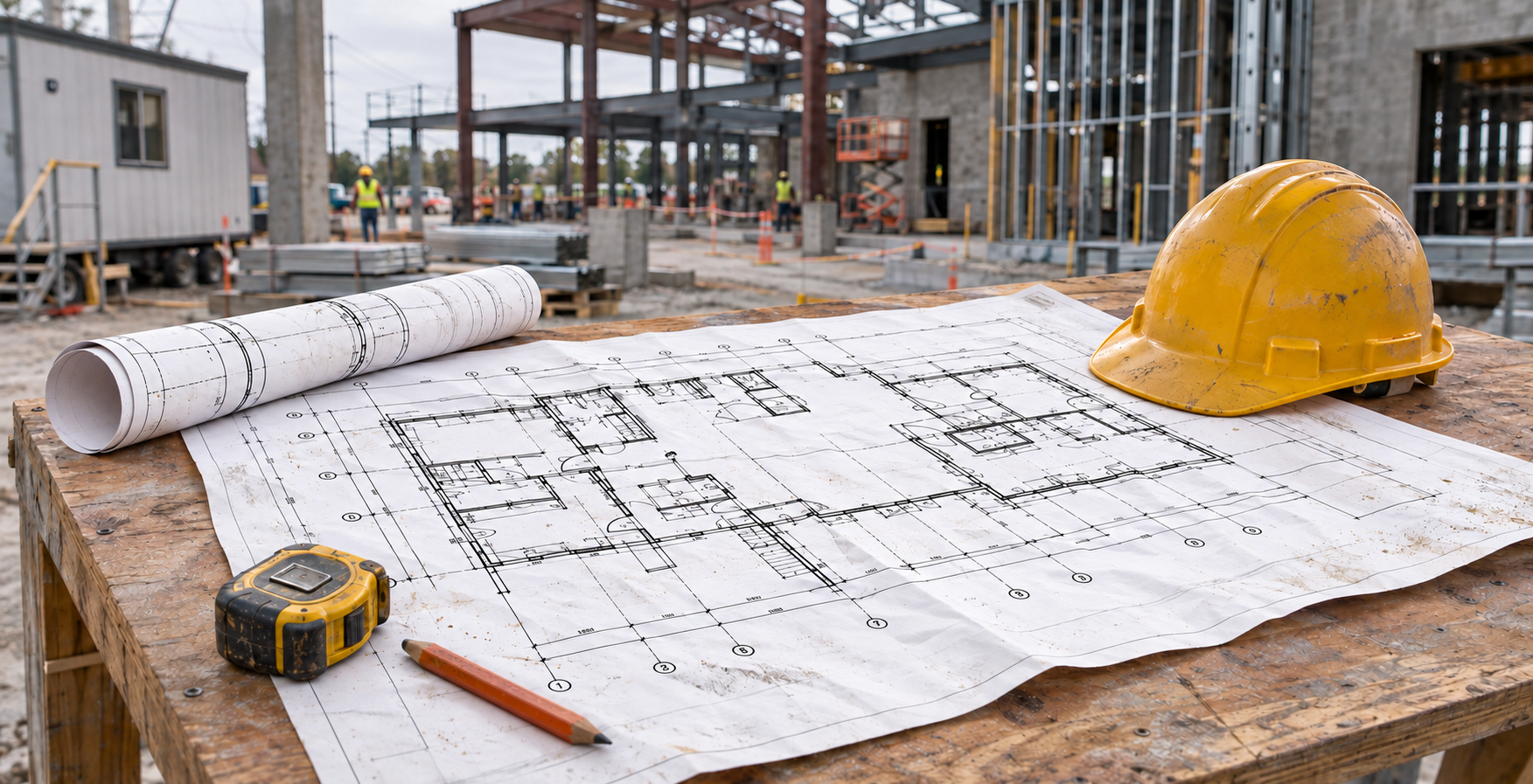
- Setup: Large-format printer installation and training should cover delivery, calibration, and the first production job.
- Training: Train the daily operator, not only the buyer.
- Financing: Nearly 80 percent of U.S. businesses finance equipment, so leasing is a mainstream option.
- Support: Local service and supply programs keep a small shop running after launch.
Nearly eight in ten U.S. businesses finance their equipment, yet many small companies still buy a large-format printer without asking what happens on delivery day. Large-format printer installation and training decide whether a new machine starts earning money right away or sits idle while someone reads a manual.
This guide explains what setup and operator training should include, which printers fit a small shop, how leasing compares with buying, and what support to expect afterward. You will leave with a checklist you can bring to any dealer conversation.
What Does Installation and Training Include When You Buy a Large-Format Printer?
A complete package includes delivery, physical setup, software and network configuration, media loading, color and alignment checks, and hands-on training for the person who will run the machine daily. A/E Graphics, a Brookfield, Wisconsin dealer, handles installation and operator training as part of its large-format printer and scanner sales.
A good package should leave you with a working machine and a confident operator. Ask any dealer to confirm these items in writing before you sign:
- Delivery to your office and placement of the printer
- Driver, software, and network setup on your computers
- Media loading, calibration, and a test print
- Training on daily maintenance, ink and media changes, and basic troubleshooting
- Power protection such as a surge protector for the equipment
Confirm exactly which of these your quote covers, because packages vary by dealer and by model.
Why Does Operator-Level Training Matter?
The person who runs the printer every day absorbs the training, so that person should be in the room. A purchasing manager who attends alone cannot pass along the habits that prevent misfeeds, banding, and wasted media.
In a small shop, one or two people usually handle all production. Their confidence directly determines how many billable jobs the machine produces in its first month.
Which Large-Format Printers Fit a Small Print Shop?
Small shops usually do best with a compact 24-inch to 44-inch inkjet printer sized to their most common job, such as plan sets, posters, or technical drawings. A/E Graphics, a top-20 Canon large-format dealer in the United States, sells the Canon imagePROGRAF line, including entry-level TM series models designed for smaller spaces.
How Do You Size a Printer to Your Workload?
Start with your three most common job types and their widths. Then estimate how many square feet you print each week.
A company printing mostly 24-inch and 36-inch plan sets has different needs than one producing 44-inch posters. Bring those numbers to your dealer, because the right model follows the job mix, not the spec sheet.
Is Leasing Better Than Buying for a Small Print Shop?
Leasing suits many firms and shops that want to protect cash and refresh equipment on a schedule. Buying suits shops with steady volume that plan to run one machine for years. The Equipment Leasing and Finance Association reports that 79 percent of U.S. businesses use some form of financing, with leasing the most common method.
A/E Graphics offers equipment leasing alongside outright purchase. Use these questions to decide:
- Do you need to keep cash available for supplies, payroll, or a second machine?
- Do you expect your volume to grow enough that you will want a larger printer within a few years?
- Does your accountant prefer a monthly expense or an owned asset?
Installation and training should be the same under either path, so confirm that with your dealer before comparing monthly payments.
Can You Test a Printer Before You Commit?
It depends. Some dealers offer a trial program that lets you run your own files before you finalize a purchase or lease. A/E Graphics lists a Try & Buy option for this purpose.
Ask about trial terms early in the conversation. A week of real jobs tells you more about speed, media handling, and print quality than any brochure.
What Support Do You Get After Training Ends?
Post-training support should include warranty service, an ongoing maintenance agreement, and a dependable supply channel. A/E Graphics services equipment from its Brookfield headquarters, offers managed print services, and ships Canon supplies from six nationwide warehouses, with 5% off Subscribe & Save orders.
Downtime is the real cost for companies that depend on them for daily operations. A printer that stops on a bid deadline costs you the job and sometimes the customer.
Before you buy, ask each dealer these questions:
- Who services the machine, and how far away are they?
- What does the warranty cover, and for how long?
- Can you add a maintenance agreement that bundles service and supplies?
- How quickly do you receive ink and media after you order?
Local technicians who know your model arrive faster and spend less time diagnosing problems than out-of-state dispatch. For Wisconsin shops, that proximity is a practical advantage.
Key Takeaways
- Large-format printer installation and training should cover setup, calibration, a test print, and daily maintenance.
- Train the operator who runs the machine every day.
- Size the printer to your most common job widths and weekly volume.
- Leasing and buying both work, and 79 percent of U.S. businesses use some form of equipment financing.
- Ask about warranty, maintenance agreements, and supply delivery before you sign.
Frequently Asked Questions
How long does large-format printer installation take?
Most installations finish within a single visit, and training often happens the same day. Timing depends on the model, whether you add a scanner, and how many people attend. Ask your dealer for a written schedule.
Do I need an IT person to set up a large-format printer?
No. Dealer technicians typically handle driver and network setup during installation. Have your computer login details and network information ready so the technician can finish without delays.
What should I ask a dealer before buying a large-format printer?
Ask what installation and training include, who provides service, what the warranty covers, and how supplies are delivered. Also ask whether a trial or Try & Buy program is available.
Can a Canon dealer serve a small print-for-pay shop?
Yes. Dealers sell and support equipment for print-for-pay shops, architecture firms, and contractors. Share your volume and job mix so the dealer can recommend the right model.
Sources & References
- Equipment Leasing and Finance Association, “ELFA Announces Top 10 Equipment Acquisition Trends for 2020,” 2020. https://www.elfaonline.org/newsroom/2020/01/23/elfa-announces-top-10-equipment-db3a0c5d
- Equipment Leasing and Finance Association, “New ELFA Infographic Highlights Why Businesses Lease and Finance Equipment,” 2017. https://enxmag.com/twii/news/2017/03/new-elfa-infographic-highlights-why-businesses-lease-and-finance-equipment
About the Author
Tom Taubenheim is President of A/E Graphics, a Wisconsin large-format printing and equipment company in Brookfield. A/E Graphics has operated under its current name since 1978 and is a top-20 Canon large-format dealer in the United States.
Planning a purchase or lease? Call the A/E Graphics team at 262-781-7744 to talk through your volume and workflow.