- Standard inclusion: Reputable dealers bundle large-format printer installation and operator training into new printer purchases and leases at no separate charge.
- Downtime driver: User error causes 23% of unplanned downtime in manufacturing, higher than in the other sectors studied.
- Local advantage: On-site setup by a regional technician beats remote support.
- Lease or buy: Your acquisition structure shouldn’t change your onboarding package.
- Ask early: Confirm who gets trained and what support follows.
Have you ever thought about how wide-format printers are shipped? Most people don’t realize that a new plotter arrives on a pallet, via tractor-trailer. Large-format plotter installation and training can be line items buyers skim past when reviewing a quote.
We often see this when buyers focus solely on the lowest equipment price and don’t think about logistics. That can be a costly mistake that affects how quickly you can be up and running and start getting a return on your investment. Let’s go through what a complete onboarding package includes, how to evaluate one before you sign, and which questions surface the gaps.
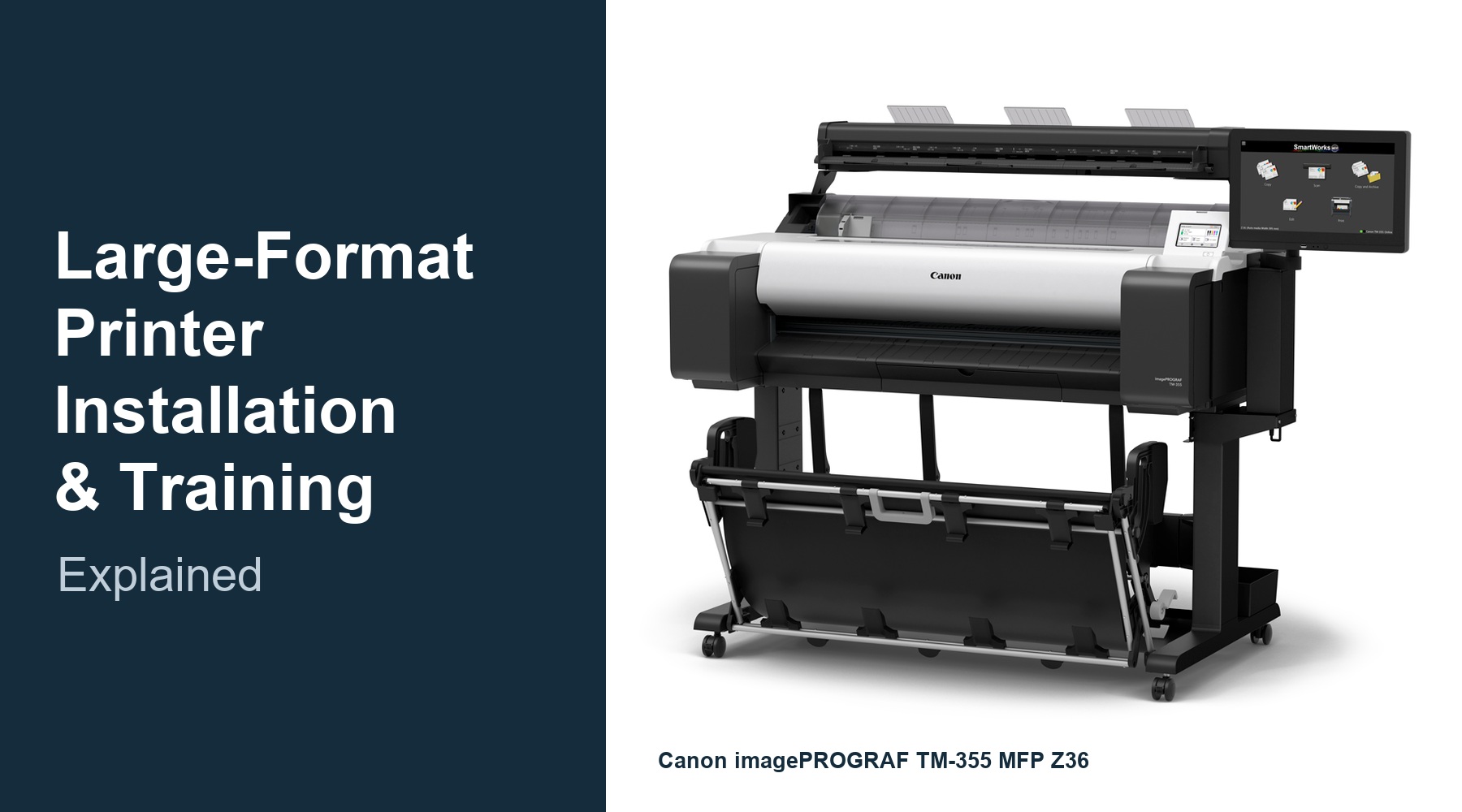
What Should Large-Format Printer Installation and Training Include?
A complete package covers delivery and placement, network and driver configuration, media loading and calibration, and hands-on training for the people who will run the machine daily. It also includes startup ink or toner and power protection. Anything less pushes setup cost back onto you after the quote is signed.
A complete onboarding package generally includes:
- Uncrating, placement, and leveling in your office, plan room, or plant floor
- Network connection, driver installation, and print queue setup
- Media loading, print head alignment, and color calibration
- Startup ink or toner so the first job runs the day of install
- Hands-on operator training on-site at the machine, not over a phone line
Get each of these confirmed in writing before the purchase order goes out. A dealer who includes them will say so plainly.
Why Does Operator Training Matter More Than Buyers Expect?
Because the operator, not the hardware, causes most preventable stoppages.
A Vanson Bourne study sponsored by ServiceMax found that 23% of unplanned downtime in manufacturing traces to human error, compared with rates as low as 9% in other sectors. The same research found that 70% or more of companies lacked full awareness of when their equipment was due for maintenance.
For a project team on a bid deadline, a single misloaded roll or a skipped calibration step can cost a full afternoon. Training removes those failure points before they cost you a submission.
How Do You Evaluate a Dealer’s Installation and Training Program?
Ask four questions. Who performs the install, and where are they based? Who receives the training, and is it hands-on? What is included at no extra cost? What support structure exists after the technician leaves? The answers separate a real onboarding program from a delivery appointment.
1. Who installs the machine, and from where? A locally based technician can return the next week. A contracted third party dispatched from out of state usually cannot. Ask for the service location, not the corporate headquarters.
2. Who gets trained? Training aimed at the purchasing manager helps nobody. The CAD technician or project coordinator who prints the drawings needs the session. Confirm that the dealer trains operators directly.
3. What is bundled versus billed? Startup consumables, power protection, and the training hours themselves should be in the quote. If they aren’t listed, they probably aren’t included.
4. What happens after install? Service terms, service dispatch speed, and supply replenishment define your first two years of ownership. Canon imagePROGRAF TM and TX series equipment carries a two-year on-site warranty, which sets a useful benchmark for comparison.
What Does This Look Like for a Wisconsin AEC Firm or Manufacturer?
A firm bringing plan printing in-house, or replacing an aging plotter, gets a machine producing drawings the day it arrives, not the week after.
Before the install, the firm sends bid sets and plan revisions out and waits on turnaround, or nurses along a plotter that no longer keeps up. The equipment decision stalls on a fair question: who sets this up, and who teaches our people to run it?
That question matters more in an architecture or engineering office, a contractor’s office, or a plant engineering department, because few have a dedicated print operator. The person running the machine is a VDC manager, project coordinator, or office manager with other work to do.
A/E Graphics includes installation and operator training with every new large-format printer and scanner purchase or lease. Brookfield-based technicians handle the setup and startup; inks and toner ship with the machine, and a power filter is included.
Options start with the Canon imagePROGRAF TM series for lower-volume offices, step up to the TX series, and scale to the TZ-32000, Canon’s fastest CAD production model, or larger.
The result is a project team printing its own plan sets on day one rather than absorbing a two-week learning curve.
Does Leasing Change What Installation and Training You Receive?
It should not. A well-structured dealer program delivers identical installation and operator training whether you purchase outright or lease. Leasing changes how you finance and refresh the equipment, not how you set it up or how your staff learns to run it.
Leasing preserves working capital and simplifies the upgrade cycle at the end of the term. Purchasing makes sense when your volume is stable, and you plan to keep the machine through its full service life.
Either way, ask the same four evaluation questions. If a dealer offers a lighter onboarding package on leases, treat that as a signal about the relationship you are buying into.
Key Takeaways
- Include installation and operator training in the purchase or lease price, not on a separate invoice.
- Human error drives 23% of unplanned downtime in manufacturing, so training is a reliability investment.
- Confirm the technician’s home base before you compare quotes on price.
- Train the people who actually print the drawings, not just the person who signed the order.
- A two-year on-site warranty is a reasonable coverage benchmark.
- Lease and purchase buyers should receive identical onboarding.
Frequently Asked Questions
How long does large-format printer installation and training usually take?
Most single-unit installs are completed in one visit. Setup, network configuration, and calibration typically run a few hours, followed by operator training the same day. Configurations with scanners or multiple workstations can extend into a second visit.
Is installation included when you buy a large-format printer, or is it extra?
It depends on the dealer. Specialist large-format dealers commonly include installation and training in the equipment price. Some online and general office-equipment resellers bill it separately or omit it. Ask for the line item before comparing quotes.
Can I install a wide-format printer myself to save money?
You can, but the savings are usually short-lived. Self-installation can void elements of on-site warranty coverage and skips the calibration work that determines print quality. An uncalibrated machine costs more in reprints than the install would have.
What should my operator be able to do after training?
Load and change media, run a calibration cycle, replace ink or toner, clear a media jam, and identify when an issue requires a service call. If your operator cannot do all five independently, the training was incomplete.
Do I get training again if I hire new staff later?
Ask before you buy. Many dealers offer refresher or new-hire sessions, sometimes as part of a service agreement. With skilled labor shortages affecting maintenance teams broadly, confirm retraining access up front.
Sources & References
- “Human Error Is Worse in Manufacturing Compared to Other Sectors,” Engineering.com, reporting on the Vanson Bourne study “After The Fall: Cost, Causes and Consequences of Unplanned Downtime” sponsored by ServiceMax from GE Digital. https://www.engineering.com/human-error-is-worse-in-manufacturing-compared-to-other-sectors/
- “2024 State of Industrial Maintenance Report,” MaintainX, via Business Wire, 2024. https://www.businesswire.com/news/home/20240814282259/en
- “Survey: Human Error Common Cause Of Unplanned Downtime,” Manufacturing.net, 2017. https://www.manufacturing.net/operations/article/13195629/survey-human-error-common-cause-of-unplanned-downtime
About the Author
Tom Taubenheim is President of A/E Graphics, Inc., a Wisconsin large-format printing and equipment company based in Brookfield. A/E Graphics is a Canon Premier Partner Reseller and one of the top 20 Canon large-format dealers in the United States, serving architecture, engineering, and construction firms and manufacturers across southeastern Wisconsin.
If you are evaluating a first or replacement wide-format printer, a short conversation about your drawing volume, sheet sizes, and floor space will narrow the options faster than a spec sheet. Reach A/E Graphics at 262-781-7744.